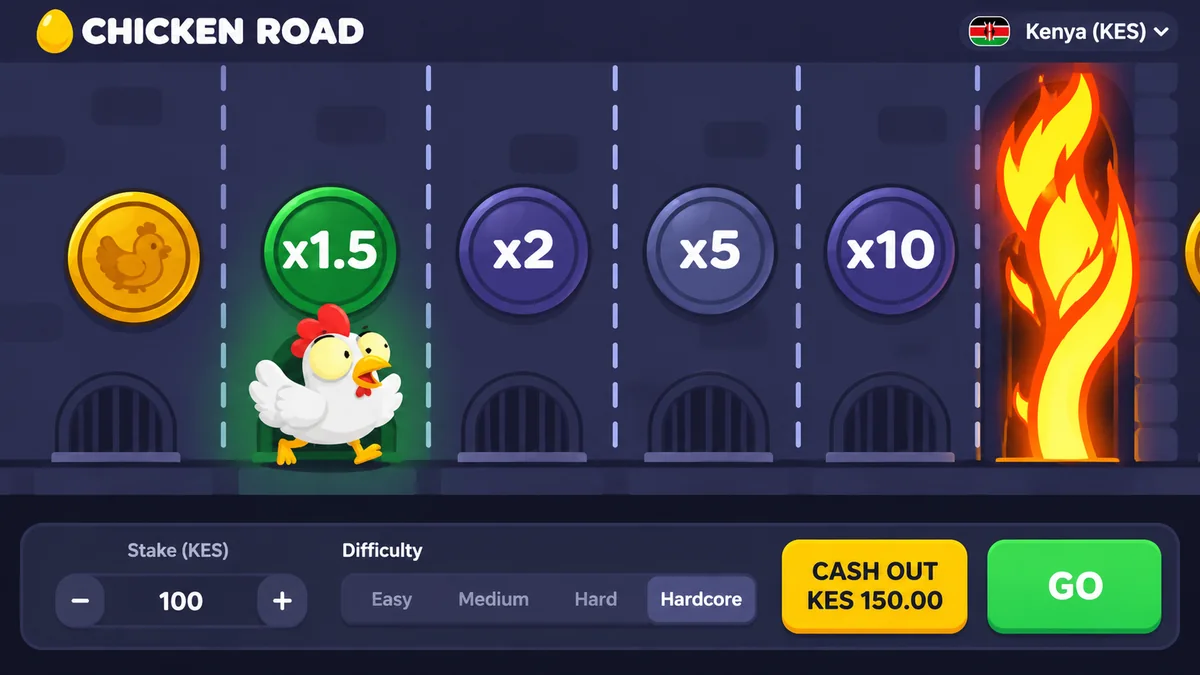
There is no Chicken Road login on its own, because the game does not hold accounts. You register at an operator, with a Kenyan phone number or an email, sign in there and open Chicken Road from the lobby. If a page shows a login form under the game's name, it belongs to someone else.
Register in six steps
Choose an operator that shows a Kenyan licence
Use the six checks on the real money page before you enter any detail.
Press Register
Use a phone number in the +254 format, or an email, as the form asks.
Enter real details
Name and date of birth must match your ID. A false birth date can lock a withdrawal later.
Confirm the code
A one-time code arrives by SMS or email. Type it in the form and nowhere else.
Set a long password
Twelve characters or more, not reused from your email or M-Pesa. A password manager or a note kept at home is better than your memory.
Find the game
Open the lobby, type Chicken Road in the search box and check that InOut Games is named as the provider.
Registration takes a few minutes. Verification takes longer, so do not wait until you have won something to start it.
Prepare these before you register
| Item | Why it is needed |
|---|---|
| National ID or passport | Age check and withdrawal approval |
| Phone number registered in your name | Verification code and M-Pesa or Airtel Money match |
| Clear photo of the document | Faster verification, fewer rejections |
| A budget number | Set a deposit limit in the account settings on day one |
A phone line registered in someone else's name is a common cause of mismatch problems. Operators compare the name on the mobile-money account with the name on the casino account, and a difference can freeze a withdrawal for days.
Register at a licensed operator and open Chicken Road from the lobby.
Sign-in problems and fixes
| Problem | Likely cause | Fix |
|---|---|---|
| Code never arrives | Network delay or wrong number | Wait two minutes, check the number, request once more |
| Password rejected | Typo, caps lock, old password | Use the reset link on the official page |
| Account locked | Many wrong attempts | Wait, then contact support in writing |
| Page looks different | Fake copy of the sign-in page | Close it and open the bookmarked address |
| Game missing from lobby | Not offered in your region or account | Ask support; do not use a mirror |
Keep your account yours
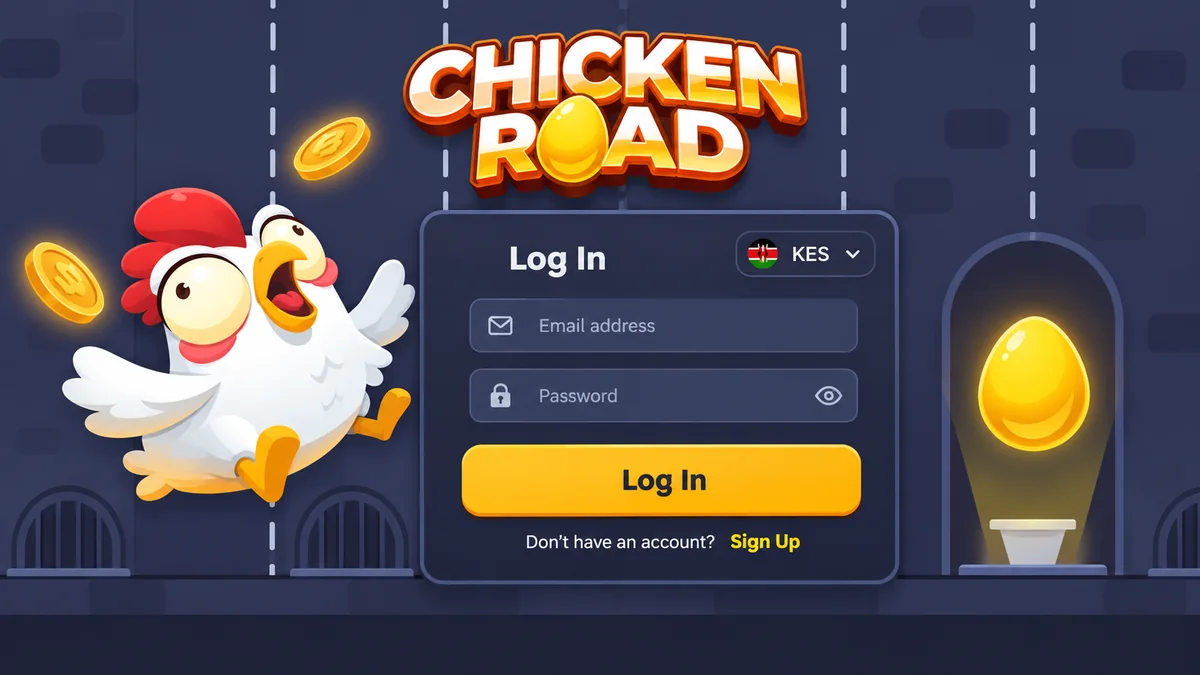
Turn on two-factor authentication if the operator offers it. Bookmark the address after you have confirmed it and use the bookmark every time. Do not tap links in SMS or WhatsApp messages that say your account is suspended, since those are the usual way fake sign-in pages collect passwords.
Never share the SMS code with anyone, including someone who says they work for the operator. Real support does not need it. If your phone is lost, ask your network to block the SIM and change the casino password from another device.
What happens after you sign in
Look at the game's info screen first. It states the limits and the RTP your operator uses. Then decide a stake: KES 20 to KES 50 is a calm start while you learn the controls from the how to play page. If the operator offers a welcome bonus, read its terms before you accept, because the bonus page shows how wagering can lock your balance.
Account ready
Open the game and start with a stake you can lose
Set a deposit limit first, then try Chicken Road at KES 20 to KES 50 a round.